Relief drawn by hand
An “about right” terrain distorts insertion views: slopes, door thresholds and sightlines no longer match reality.
Loading
DXF contours, OBJ or STL mesh: GeoAlt prepares the real terrain that SketchUp imports — no hand modelling.
A hand-modelled terrain is an invented terrain. For a credible architectural insertion, relief must come from data: GeoAlt extracts the real DEM of your parcel and shapes it for SketchUp, which remains the working tool of many architects and landscape designers.
An “about right” terrain distorts insertion views: slopes, door thresholds and sightlines no longer match reality.
SketchUp imports neither LAS nor E57 natively: an intermediary — DXF contours or a mesh — is needed from cloud to model.
A 1 m mesh over 5 hectares weighs millions of faces: SketchUp saturates. Resolution must fit the use.
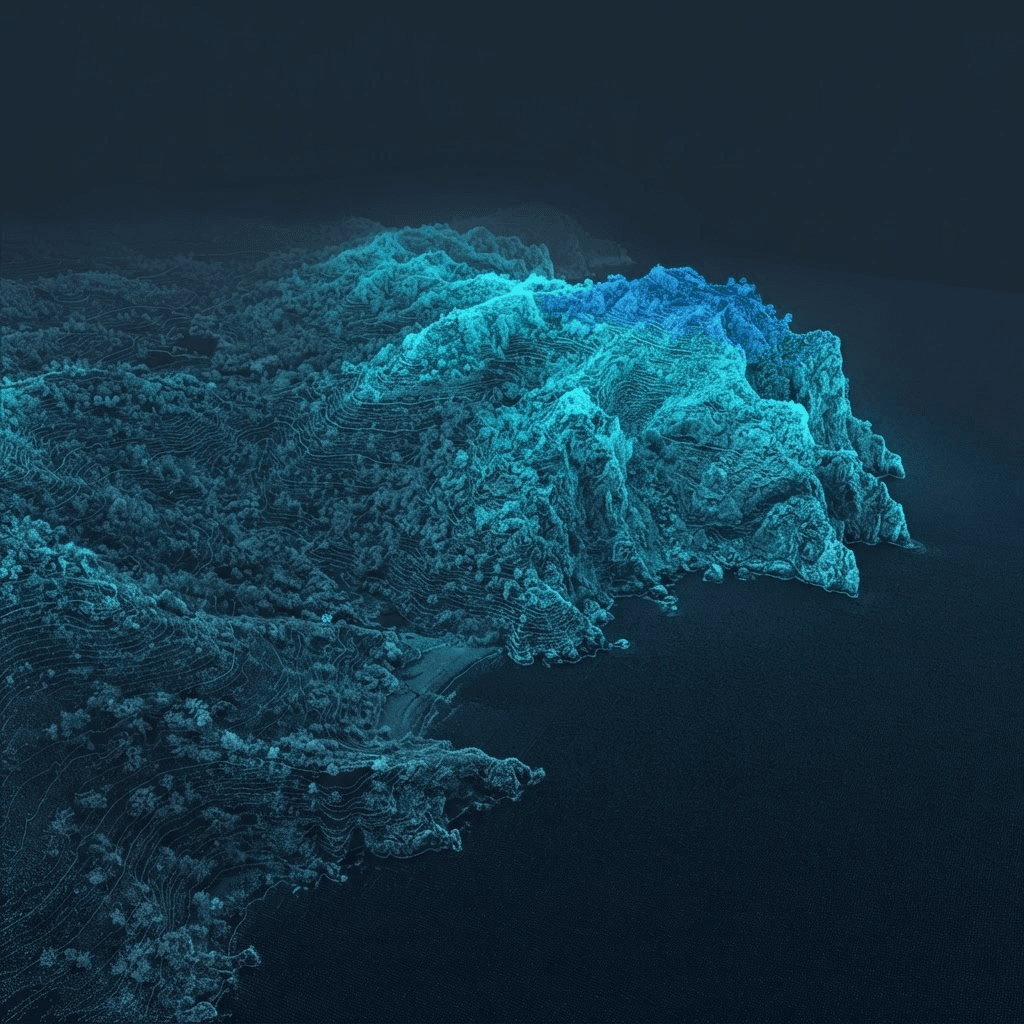
The public demo displays the cloud and 3D terrain of a real parcel, ready to export.
Open the demoFor DXF, yes — DXF import is a Pro feature. The OBJ mesh also goes through extensions available for Make and Free via community importers.
DXF contours give a light, editable terrain (Sandbox From Contours); the OBJ mesh is immediate but heavier. For a few hectares, contours are often the best trade-off.
Yes: they come from LiDAR HD or RGE ALTI, in the IGN 69 vertical datum for mainland France. SketchUp’s Z matches the terrain’s Z.
Not directly in SketchUp: clouds are viewed in GeoAlt’s 3D viewer or dedicated software (CloudCompare, for instance). SketchUp receives the derived terrain (contours, mesh).
Extract the real DEM of your parcel and export DXF contours or the OBJ mesh in minutes.
Open the application